VXDIAG BMW Cannot select ISTA-P Auto Problem
Recent some users reported that they had problem using vxdiag full or vxdiag vcx se BMW ista-p software.
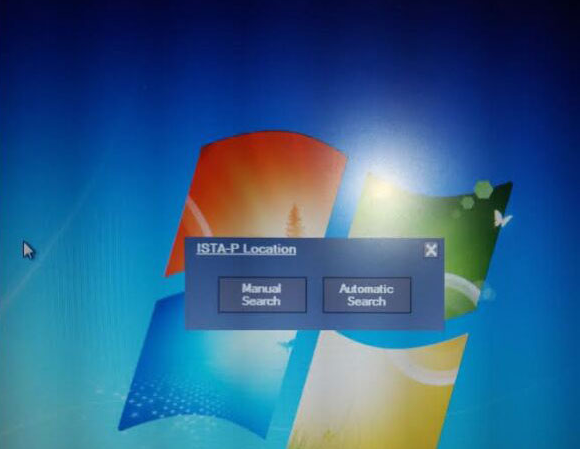
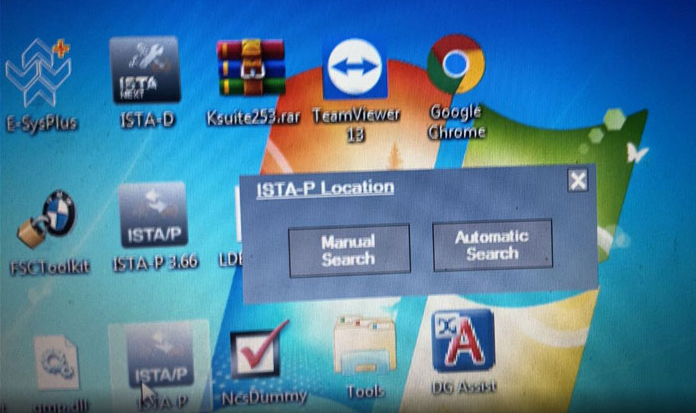
Run ISTA-P software, it prompts to “Automatic search” or “Manual search” , but no matter select what option, it stuck and not move on. How to solve it?
Possible reason:
ISTA Version is too old. There is no ISTA-P Fix file on desktop.
Solution:
Get the VXDIAG BMW ISTA software updated.
Both vxdiag full and vcx se BMW software come in HDD format. You can either send back old HDD or buy a new HDD to update.


Comments
Post a Comment